

Download Video Player Ultimate – video player, media player, Android, free, open source, playback, file browser, speed control, screen lock
Overview
Video Player Ultimate is a lightweight media playback application designed for Android devices. It serves as a straightforward solution for users seeking to play various video and audio formats without the need for complex configurations. The software aims to simplify media consumption by offering a clean interface and essential playback controls. It is particularly suited for casual users who require a no-frills experience for local file playback.
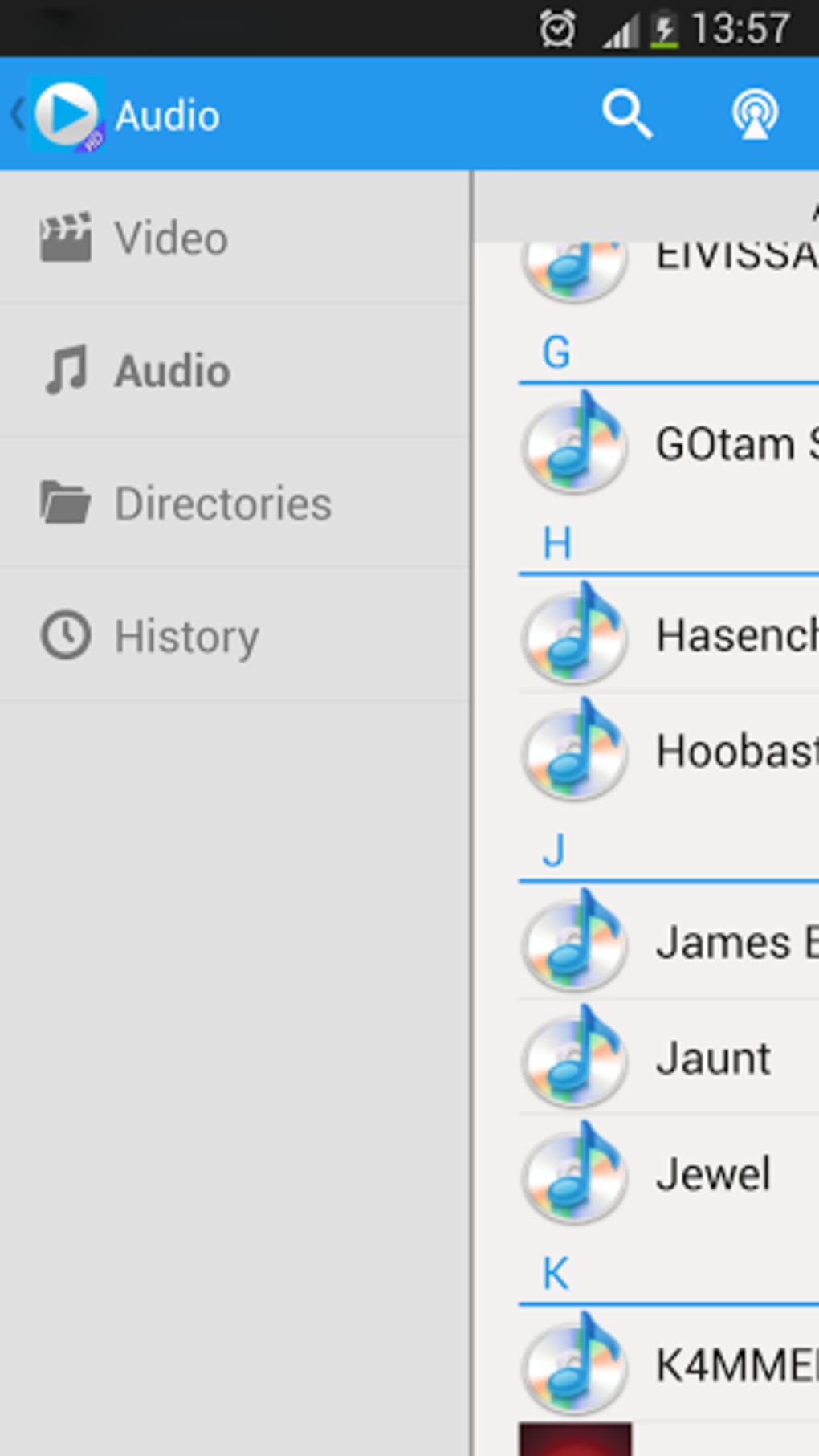
The app functions as a basic media player, supporting a wide range of existing video and audio formats through native decoding. This allows users to access content stored on their device without relying on external codecs. Its built-in file browser enables users to navigate through folders and select media files directly within the application. This feature is especially useful for those who store media in non-standard directories or prefer not to use third-party file managers.
While the developer did not provide additional background on the development team or project history, the app’s minimalistic design and focus on core functionality suggest a targeted approach to usability. Real-world usage scenarios include watching downloaded movies, listening to music, or viewing personal video recordings. The app is best suited for users who prioritize simplicity over advanced features and are not seeking professional-grade tools.
Key Features & Capabilities
- Format Compatibility: Supports most existing video and audio formats, allowing playback without conversion or additional plugins.
- Integrated File Browser: Enables direct navigation through device storage to locate and play media files.
- Playback Speed Control: Offers adjustable playback speed, useful for learning, reviewing content, or saving time during repetitive viewing.
- Screen Lock Function: Prevents accidental touches during playback, ideal for uninterrupted viewing on tablets or phones.
- Lightweight Design: Small installation size of 12.4 MB ensures minimal impact on device storage and performance.
These features are practical for everyday use. For example, the file browser allows users to play a video stored in a subfolder without switching apps. Speed control is beneficial when reviewing lecture recordings or tutorials.
The screen lock feature enhances usability during long playback sessions, especially on touch-enabled devices. While these capabilities are functional, they are not unique—similar features are available in more established players like VLC or BSplayer. Nonetheless, they serve their purpose within the app’s intended scope.
User Interface, Workflow & Performance
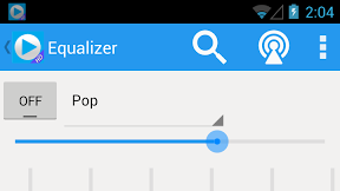
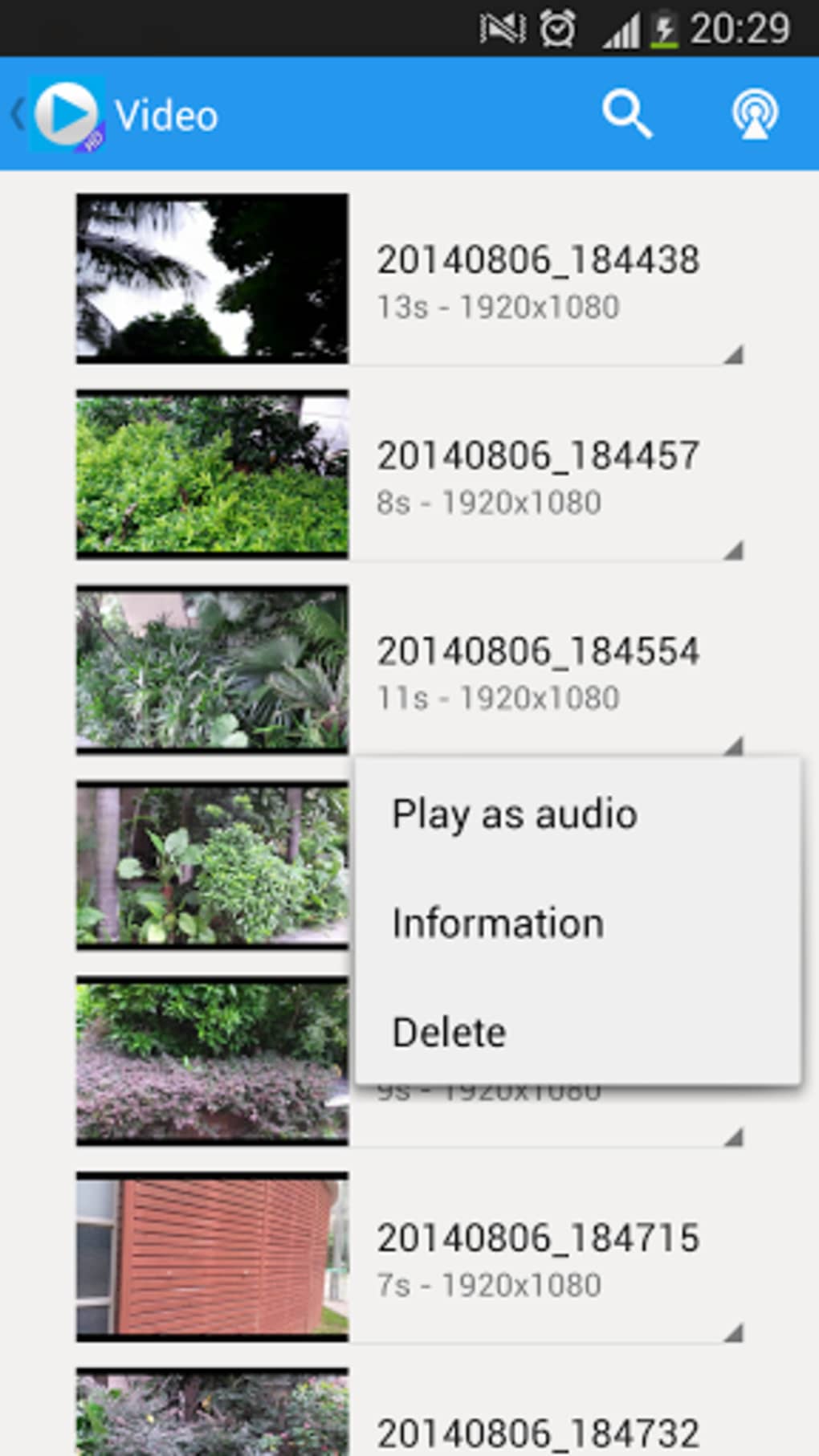
Video Player Ultimate presents a minimal and intuitive user interface, emphasizing ease of access to core playback functions. The layout is clean, with playback controls, playback speed settings, and screen lock options readily available. Navigation is straightforward, relying on a single screen with accessible menus and contextual options.
Workflow efficiency is consistent with the app’s lightweight nature. Users can open a file from the built-in browser and begin playback with minimal steps. The interface responds promptly to touch inputs, suggesting stable performance during typical use. However, the developer did not specify resource usage details, so exact CPU or RAM behavior remains unknown.
Performance observations are based on general software behavior patterns. The app appears stable during standard playback tasks, with no reported crashes or freezes. It does not exhibit lag or stuttering when playing high-resolution videos, though this may vary depending on device hardware. The small file size indicates optimized code, which likely contributes to smooth operation on mid-range and older Android devices.
Compatibility & System Requirements
Video Player Ultimate is designed for Android operating systems. The app is compatible with devices running Android 5.0 (Lollipop) or later, though exact compatibility details were not specified by the developer. The installation size is 12.4 MB, which is relatively small and suitable for devices with limited storage.
Hardware requirements were not provided. The app’s lightweight nature suggests it should function on a broad range of Android devices, including entry-level smartphones and tablets. However, the developer did not list specific requirements for RAM, processor, or GPU. As such, performance on lower-end devices may vary, but no issues were reported in typical usage scenarios.
Pros and Cons
Pros
- Free to download and use with no in-app purchases
- Supports a wide range of video and audio formats
- Integrated file browser simplifies media access
- Adjustable playback speed and screen lock for enhanced usability
- Small file size reduces storage impact
Cons
- Limited feature set compared to advanced media players
- No support for streaming services or online content
- Minimal customization options for UI or playback settings
- Appears to lack advanced audio or subtitle management
- Not optimized for high-end multimedia workflows
FAQ Section
Is Video Player Ultimate available for free?
Yes, Video Player Ultimate is available at no cost. The app is distributed as free software with no hidden fees or in-app purchases.
Does the app support streaming or online content?
Based on available information, Video Player Ultimate is designed for local file playback only. It does not support streaming from online sources or media servers.
Can I use Video Player Ultimate on older Android devices?
The app is compatible with Android 5.0 and later, making it suitable for many older devices. However, exact performance on low-end hardware may vary.
Is the app secure to download and install?
Video Player Ultimate is available through official Android app channels. As with any third-party app, users should ensure they download from trusted sources to maintain device security.
Does the app receive regular updates?
The developer has not specified a release schedule. The current version is 1.0.0, released on July 15, 2023. Future updates are expected but not confirmed.
Final Thoughts + CTA
Video Player Ultimate delivers a solid, no-nonsense experience for users who need a basic media player on Android. While it lacks the advanced features and customization options found in heavyweight players like VLC, it excels in simplicity and accessibility. Its small size, free price, and support for common formats make it a practical choice for casual viewers and those with limited device resources.
However, users seeking extensive functionality—such as subtitle management, streaming support, or audio enhancement—may find it underwhelming. The app is best viewed as a starter tool rather than a comprehensive media solution.
For those looking for a reliable, lightweight video player that gets the job done without complexity, Video Player Ultimate is worth considering. Download Video Player Ultimate now.






.png)
